
An industrial DTG printer for print on demand only makes sense when your POD business has moved past “can we print it?” and into “can we ship every shift at the same quality and cost?”
At volume, POD scaling is decided less by the printer’s advertised speed and more by five realities: required capacity, speed–quality tradeoffs, workflow design, total cost of ownership (TCO), and uptime discipline. This guide breaks those down in practical terms so you can compare industrial DTG options with production clarity.
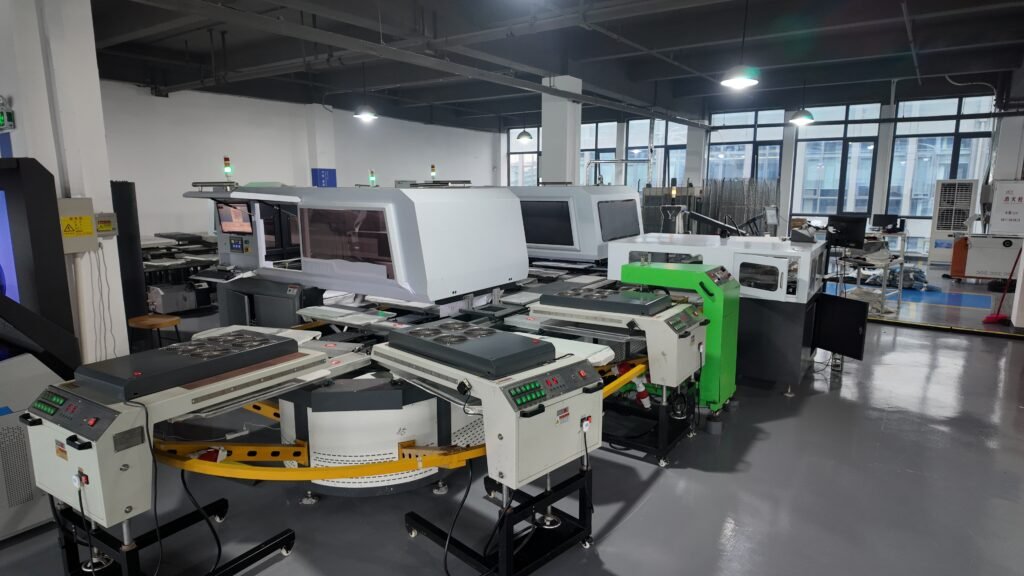
Print On Demand garment printing machine: Define your required production capacity first
A Print on Demand business doesn’t “need industrial” because orders are large; it needs industrial because orders are continuous. The right way to define capacity is not peak prints/hour, it’s finished, QC-passed garments per shift.
Start by answering three questions:
1) What’s your daily shipping target at peak?
Use your highest-demand weeks, not your average month.
2) What’s your dark vs. light garment mix?
Dark garments typically add process load (white underbase behavior, pretreat discipline, and stricter curing control), which changes real throughput.
3) What’s your allowable reprint rate?
In high-volume POD, reprints are silent capacity killers. Even “small” reprint rates become expensive because they consume the same stations as good shirts (handling + curing + QC) while pushing delivery times.
Industrial decisions get simpler when you convert capacity into a staffing + station plan:
- How many operators per shift?
- How many curing lanes / dryers are needed to keep up?
- Where does WIP sit if one station slows down?
That’s the foundation for comparing machines honestly, because your bottleneck is often not the print head. It’s the line.
High volume DTG printing: Speed vs quality tradeoffs you must manage at scale
In high volume DTG printing, “quality” isn’t just how a fresh sample looks. It’s whether you can hold that look across long runs, multiple operators, and multiple shifts.
The tradeoffs production teams deal with most:
Print speed vs. first-pass yield
Chasing maximum speed often increases defects that trigger reprints (banding, under-cure symptoms, inconsistent underbase appearance). In POD, the best metric is “good pieces/hour,” not “prints/hour.”
Dark garment performance vs. process stability
If a large portion of your volume is dark garments, consistency depends heavily on how stable your underbase and upstream preparation are. That’s why many POD factories shift from “one DTG printer + separate pretreat habits” to more standardized, line-like workflows.
Hand feel and durability vs. curing constraints
In production, curing isn’t just a final step; it’s a capacity gate. If curing can’t keep up, without compromising durability, you’ll either slow the line or accept higher returns and reprints.
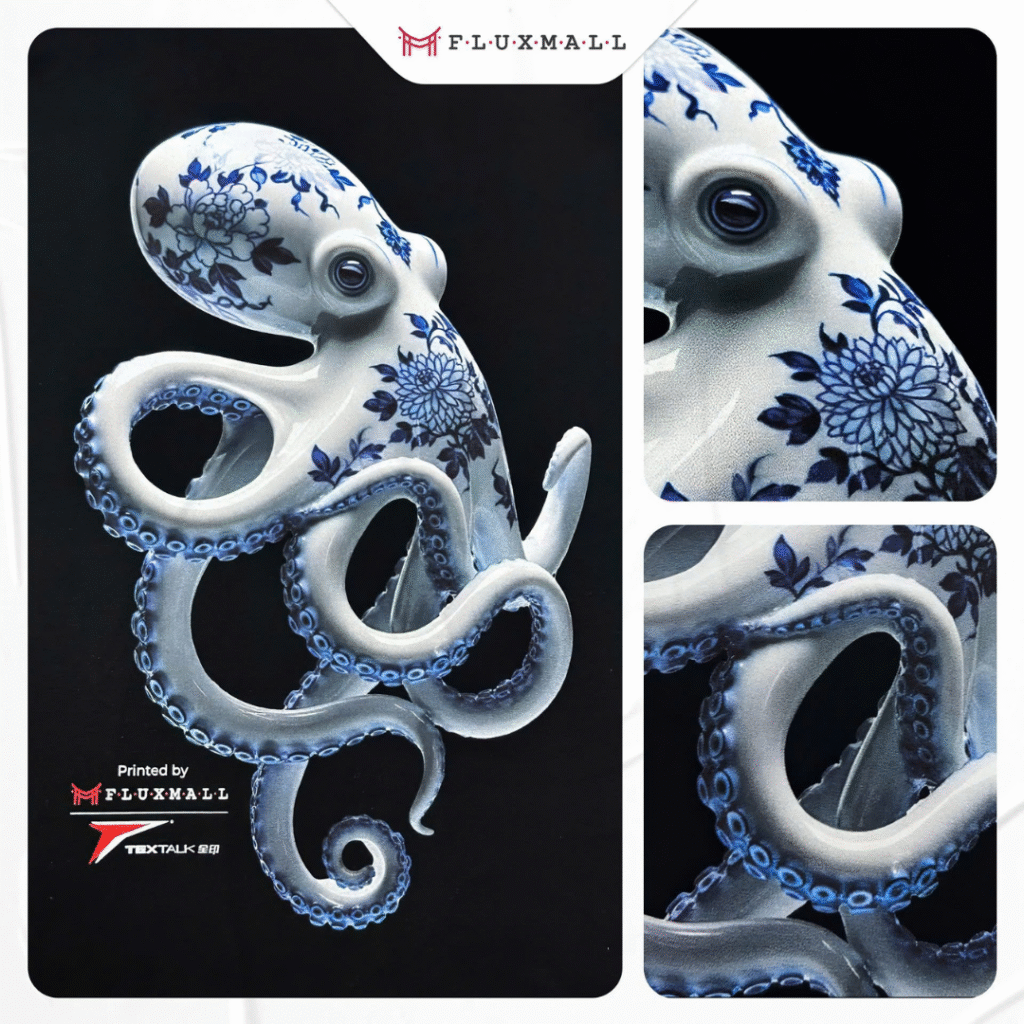
If your POD model specifically requires “factory-like” repeatability and you’re considering a line approach rather than a standalone printer approach, Textalk positions its POD Solution around a production package that uses “three Textalk digital direct injections” to achieve breathable, soft, dry outputs intended for large-scale production: https://fluxmall.com/en/product/textalk-pod-solution/
DTG production workflow: How to design the line so the printer isn’t your bottleneck
A stable DTG production workflow for Print on Demand looks less like a print room and more like a controlled sequence:
Inbound blank staging → preparation → print → cure → QC → pack-out
Most POD factories miss output targets for one of two reasons:
- stations aren’t balanced (curing/QC can’t keep up), or
- job control isn’t disciplined (wrong file/size/garment leads to rework).
What “workflow design” means in practical terms
Station balancing
You don’t need theoretical perfection—you need predictable flow. If printed garments pile up waiting for curing, you’re not scaling; you’re creating a backlog.
Material handling
Every extra step per garment becomes a payroll line item at POD volume. Layout and movement matter as much as machine choice.
Simple, enforceable job control
The faster you run, the more expensive mistakes become. Production teams win with repeatable rules: how jobs are queued, how artwork revisions are controlled, and how exceptions are handled.
The most important mindset shift: treat DTG as a line, not a device. When you do, “industrial DTG for POD” becomes a workflow decision—what stations exist, how they connect, and what happens when one station slows down.
Print On Demand factory setup: Layout, space, and scaling patterns that work in real production
A POD factory setup should be built around continuous movement and serviceable access, not around a perfect-looking floor plan.
Common scaling patterns (and when they fit)
Single industrial DTG + strong supporting stations
This can work if your order mix is predictable and you have disciplined finishing capacity. It’s often the simplest upgrade from commercial DTG.
Modular growth (add printers as cells)
This approach can reduce risk because one unit going down doesn’t stop everything. The tradeoff is that cell coordination and consistency become your management challenge.
Integrated POD line approach
This is chosen when your bottlenecks are upstream/downstream consistency and labor scaling. The intent is fewer handoffs, tighter standardization, and flatter labor growth as volume rises. Textalk’s POD Solution is positioned as a “one pass” line concept (pretreatment + white + color in one workflow) in Fluxmall’s POD Solution content: https://fluxmall.com/en/product/textalk-pod-solution/
On-demand apparel printing: Costs, TCO levers, and the “industrial” advantage
For on-demand apparel printing, TCO is what determines whether “industrial DTG” is a margin upgrade or a costly experiment.
Here are the production cost levers that matter most:
Labor per good garment
POD scaling fails when labor rises linearly with volume. Your best levers are station simplification, reduced handling, and fewer reprints.
Consumables predictability
Ink and chemistry costs matter, but reprints and inconsistent output often cost more than the consumables themselves, because they consume labor and capacity too.
Downtime cost (the hidden killer)
A printer that stops production isn’t just a repair event, it’s missed ship windows, customer service load, and expedited freight. That’s why production buyers treat after-sales support and service readiness as part of the system decision, not a “nice to have.” Fluxmall’s perspective on this is direct: after-sales support is framed as critical to production stability and growth in industrial textile printing environments: https://fluxmall.com/en/why-after-sales-support-is-crucial-in-industrial-textile-printing/
Integrating your next step: Demo and quote that actually answers production questions
If you’re comparing industrial DTG options for Print On Demand, the best next step is a demo that measures line behavior, not just print appearance.
A production-grade demo should validate:
- your real garments (especially the hardest one you sell most)
- your real artwork mix (solids + gradients/detail)
- the end-to-end time from start to cured garment
- how exceptions are handled (misprints, rework, maintenance pauses)
For teams evaluating Textalk hybrid and production options through Fluxmall, you can schedule a dedicated Textalk printer demonstration here (and use the form notes to frame your factory targets, throughput, staffing, and workflow constraints): https://fluxmall.com/en/appointments/book-demo-textalk-printer