DTG Pretreatment Guide: How to Get Consistent Prints, Especially on Dark Garments
If your DTG prints look great one day and “mysteriously” fail the next, the cause is often about DTG pretreatment, not your printer. A consistent pretreatment process is what makes white ink behave. It keeps colors vibrant and reduces reprints that silently destroy throughput.
This DTG pretreatment guide is written for operators, technicians, and production leads who need repeatable results. It covers when pretreatment is required, how to apply and cure it correctly, the most common failure patterns, and the habits that keep dark-garment output stable. For a deeper equipment-and-chemistry overview, Fluxmall’s “DTG Pretreatment: Complete Guide to Pretreatment Solutions, Equipment & Best Practices” is a useful companion reference.
Pretreatment vs no pretreatment: When you need it (and when you don’t)
Pretreatment is best thought of as a “primer” layer for DTG ink, especially for white ink performance and wash durability.
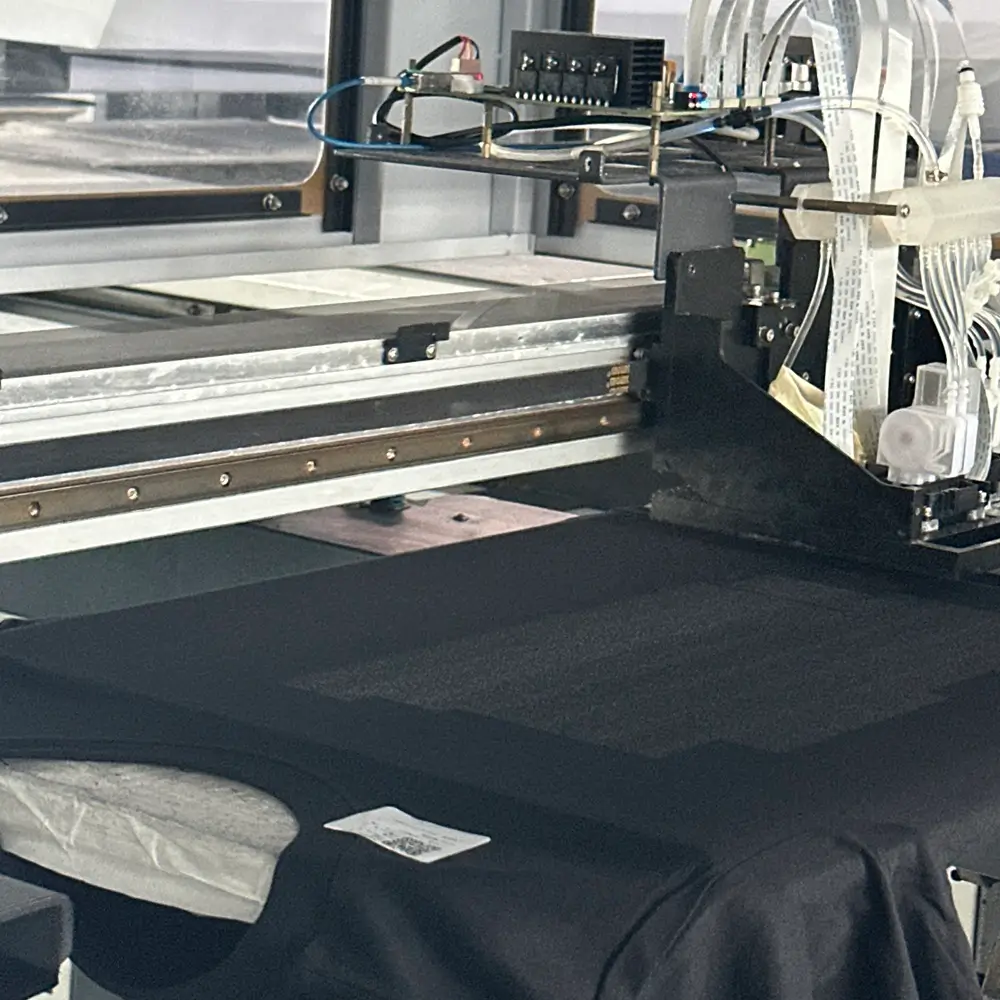
You generally need pretreatment when:
- You’re printing dark garments (white underbase + color relies on it).
- Your artwork has heavy ink coverage (large solids, dense whites, and bright colors on dark).
- You’re trying to improve edge sharpness and reduce ink wicking on tricky cottons.
You can sometimes print with minimal or no pretreatment when:
- You’re printing light garments, and your ink/printer workflow supports it.
- You’re running low-coverage designs where hand feel is the priority.
The production truth: “no pretreat” is rarely a free win. If you remove pretreatment but increase reprints, returns, or wash complaints, you’ve increased cost, just in a harder-to-measure way. Treat it like a controlled variable: test, document, and lock the SOP.
DTG Pretreatment for dark garments: The repeatability rules that stop reprints
Pretreatment for dark garments is where most shops lose consistency because small variations in spray amount, drying, and press marks show up immediately in white ink quality.
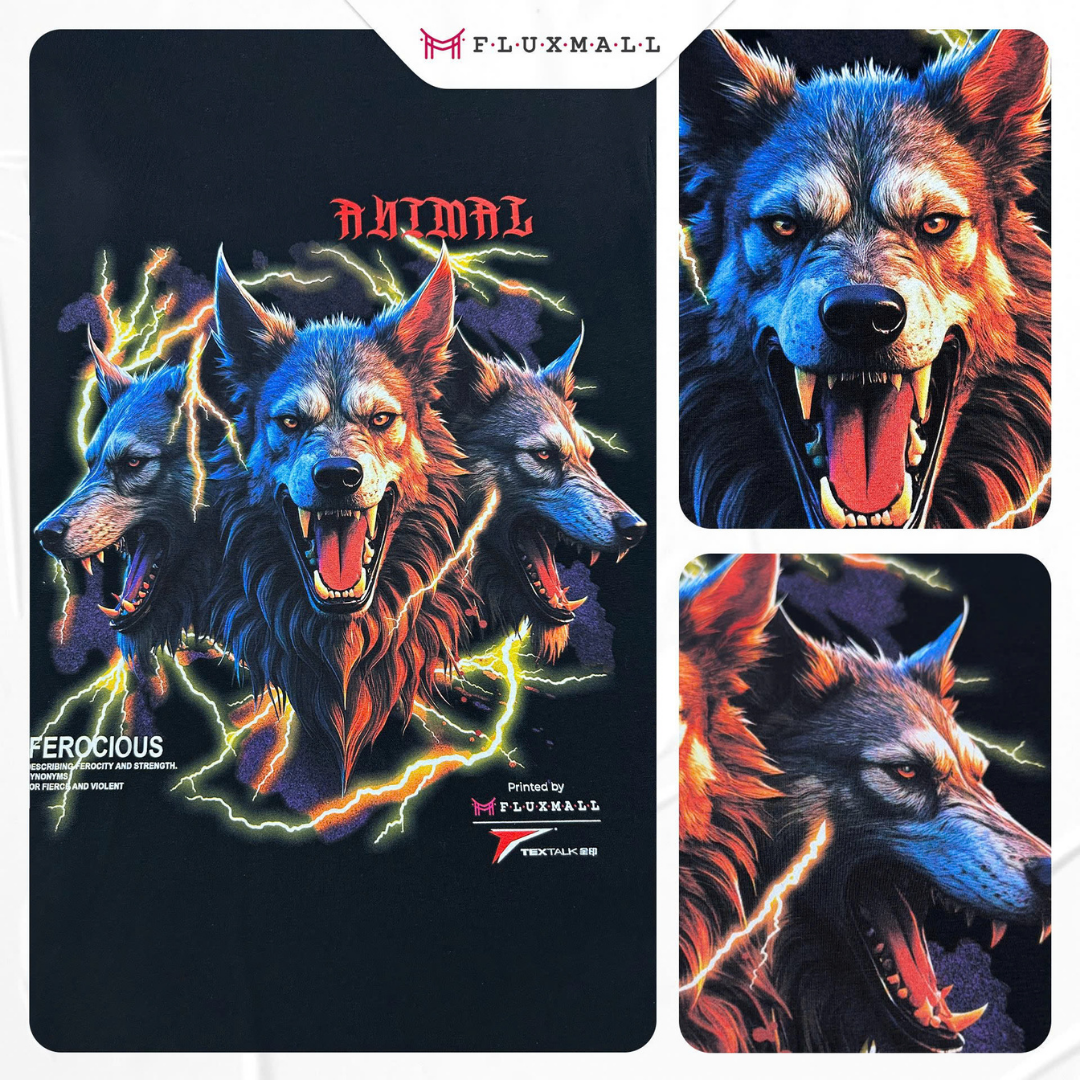
To stabilize dark-garment output, focus on the controllables:
1) Standardize the garment condition before pretreatment
Moisture and lint change how pretreatment lays down. If you’re seeing random dull areas or uneven white, control humidity exposure and keep garments clean and flat before application.
2) Apply a uniform coat across the printable area
Most “bad white” is actually “bad pretreat.” You’re aiming for even coverage, not saturation. Too much pretreatment can lead to stains, press marks, or a “plastic” look; too little leads to weak white and washed-out color.
3) Use pretreatment chemistry designed for dark garments
The purpose of dark-garment pretreats is to enhance performance. For example, Fluxmall’s Textalk Pretreatment is a first layer on dark fabrics to improve ink adhesion, coverage, and color vibrancy.
Another example is SK White Color Pretreatment, positioned for dark clothing and designed to be cured by a tunnel dryer or heat press.
If your shop is scaling into POD-style volume where pretreat/white/color must run as a predictable sequence, it’s worth seeing how an integrated line approach is packaged in Textalk POD Solution.
Pretreatment machine: How to choose the right application method for consistency
A pretreatment machine is less about convenience and more about control. Manual spraying can work for low volume, but in production it increases variability: uneven coverage, different operator habits, and overspray waste.
If your goal is repeatability, an automatic pretreat unit helps you control:
- Application area size.
- Spray uniformity.
- Consistent dosage per garment.
- Operator-to-operator variation.
Fluxmall’s DTG Pretreatment Machines catalog is a good starting point to compare production-style options.
For higher-control environments, the Schulze PRETREATmaker IV is positioned as a high-end pretreatment machine. It is the best machine, with many features such as a barcode system for integration and various application amounts.
How to decide quickly:
- If you’re fighting inconsistent dark prints and reworks, automation usually pays back faster than you expect.
- If your volumes are rising, choose a setup that can be integrated into job control and operator training, not just “spray better.”
Curing pretreatment: How to dry and set it without stains or durability issues
Curing pretreatment is where many “everything looked fine until the wash test” problems are created. Your goal is simple: the pretreatment must be evenly dried and ready for ink, without scorching fibers or leaving press marks.
What “properly cured pretreat” looks like
It should feel dry and smooth to the touch. No wet patches, no sticky zones, no visible pooling. You almost certainly have uneven white if you can see “wet edges.”
Heat press vs tunnel dryer
Both can work. The key is consistency and surface protection:
- Use a protective sheet where appropriate to reduce surface marking.
- Keep pressure and dwell time consistent, and follow the pretreatment manufacturer’s guidance for the chemistry you’re using.
- If you’re seeing press outlines, you’re typically using too much pretreat, too much pressure, or uneven application.
Notably, SK White Color Pretreatment is described as curing-capable via tunnel dryer or heat press without staining risk when applied correctly.
A production tip: treat pretreat curing like a station with a pass or fail check. If the shirt isn’t uniformly dry, don’t print it. Printing over under-dried pretreatment is one of the fastest ways to create random failures across a run.
Common DTG pretreatment mistakes: Symptoms, causes, and fast fixes
The fastest way to troubleshoot is to match what you see on the garment to a likely cause. Use this table as a “line-side” reference.
| What you see | Likely cause | Fix that works in production |
|---|---|---|
| White looks dull or patchy on dark. | Uneven pretreatment coverage or under-application. | Standardize spray area and dosage; consider automatic pretreatment control. |
| The dark shirt shows brown/yellow staining. | Over-application, overheating, or chemistry mismatch. | Reduce dosage, verify curing method, and confirm dark-garment pretreatment selection. |
| “Box marks” after pressing. | Too much pressure or too much pretreatment. | Lower pressure, improve uniformity, and avoid pooling at edges. |
| Ink wicks/edges look fuzzy. | Pretreat if not uniform or fabric too absorbent. | Improve coat uniformity; consider a chemistry better suited to that fabric. |
| Prints crack/fade early. | Incomplete drying or inconsistent curing downstream. | Enforce “dry-to-print” check; stabilize curing settings and QC. |
The long-term solution for persistent variability is almost always process control: document curing conditions, lock down a repeatable application method, and eliminate operator guesswork. Fluxmall’s pretreatment best-practices guide is built around that same principle: treat pretreatment as a controlled production step, not a “prep task.”
Or you can contact us to know more about this DTG pretreatment guide.
DTG pretreatment guide FAQ: Quick answers operators actually need
Is pretreatment only for dark garments?
It’s most critical for dark garments (because white ink performance depends on it), but some workflows also use it on lights to improve sharpness and durability depending on fabric and artwork.
Can I fix inconsistent prints by changing printer settings alone?
Sometimes you can “mask” issues, but if the pretreatment is uneven, you’re correcting symptoms. Stable pretreatment produces stable white, which makes everything downstream easier.
What’s the simplest upgrade if my team can’t keep pretreat consistent?
Move from manual spraying to a controlled method (often an automatic pretreatment unit) and lock one SOP for spray area + dosage + drying check. Fluxmall’s DTG Pretreatment Machines catalog is the fastest way to see what that upgrade looks like in real equipment terms.